Radio App
- 4.6
- Rating
- 100.00K
- Installs
- Free
- Price

 Analysis by App-foxy
I like radio apps that get out of the way. I do not always want to build a playlist, choose an album, or decide what to hear next. Sometimes I want a local station, a news update, a sports broadcast, or music that feels live rather than perfectly arranged. Radio App is built for that kind of listening, bringing FM, AM, and online stations into one place. After spending time with it, I see it as a practical choice for people who want variety and discovery without managing a personal music library.
The important question is not whether it replaces every audio app. It does not. The better question is whether you want a simple radio-first experience or a more controlled service based around on-demand songs and podcasts. In my view, Radio App is most appealing when the value of a station comes from its timing, presenters, local character, or live coverage. It is less convincing for someone who already knows exactly which tracks they want to hear.
How I would decide whether Radio App fits
My first decision criterion is listening style. If I usually press play and let a station make the next choice, a radio app makes sense. If I skip frequently, save individual songs, or need offline listening, I would start with a different category of service. Radio App is centered on live audio, so its strength is the flow of a broadcast rather than personal control over every minute.
You May Also Like

 Blood Strike: 2.5 Anniversary
Blood Strike’s Loadouts Turn Every Drop Into a Tactical Gamble
A close look at Blood Strike’s custom loadouts: how fast access to signature weapons reshapes its battle royale rhythm, rewards preparation, and narrows the gap between fights.

 Pandora - Music & Podcasts
Pandora’s Music Is Easy to Start, but Harder to Recover
Pandora’s strength is its low-effort path from a seed to a station. Its weak spot is how much confidence it asks you to place in connection, setup, and quiet recovery.

 8 Ball Pool
 Is Built on Rivalries, Rematches, and Routine
A close look at the rivalries, rematches, shared routines, and unanswered safety questions that turn a quick pool match into a persistent mobile community.

 Samsung Music
’s Quiet Strength Is Playing What You Already Own
Its reach comes less from spectacle than from dependable access to a personal library. That simplicity is both the app’s strongest retention engine and its ceiling.

 AccuWeather: Weather Radar
AccuWeather Review: A Quick, Clear Forecast for Everyday Decisions
For everyday plans, the best forecast is the one you can understand quickly. AccuWeather makes rain timing, radar, and local conditions easy to act on, with a few trade-offs.

 Hill Climb Racing
Why Hill Climb Racing Still Turns Crashes Into One More Run
A tiny car, a bumpy hill and one more upgrade: Hill Climb Racing keeps resurfacing because its simple chaos makes every near-miss feel personal.
More From Our News Desk
View All News


The second criterion is range. The app covers music, news, sports, and local stations, which makes it more useful than a narrowly focused music player. I can move from background music to spoken coverage without changing the basic purpose of the app. That variety matters during a commute, while cooking, or when I want to keep up with what is happening without opening several separate services.
I also consider how much setup I am willing to tolerate. A radio app should help me reach a station quickly. If finding a favorite channel requires repeated searching, the experience becomes less attractive than using a familiar station’s own app or website. Radio App makes the most sense for listeners who want a broad starting point and are comfortable exploring rather than relying on one carefully curated source.
There is also a practical compatibility point. The app runs on Android devices using version 6.0 or later, so it is aimed at a wide range of phones rather than only recent hardware. That is useful if I am reviewing an older spare phone, a family device, or a budget handset. The current version is 1.1.2, and I would still keep expectations realistic: compatibility does not automatically mean identical performance on every device.
The everyday listening test
My favorite realistic use case is a weekday morning. I can start with a music station while getting ready, switch to news when I want a quick sense of the day, and later choose sports coverage without turning the phone into a full entertainment project. That sequence shows why the app is more than a basic music player. Its value comes from changing the type of audio I receive while keeping the same listening habit.
Another useful situation is a long drive where I do not want to stare at a screen and choose songs. A live station creates a sense of company, and local programming can feel more relevant than an endless algorithmic mix. I would select the station before setting off, keep interaction to a minimum, and avoid treating the phone as something to browse constantly while moving. For driving, the app is most useful as a preparation tool rather than an excuse to handle the device on the road.
It can also work well in a shared space. When I am cleaning or cooking with other people around, a station offers a common stream without asking everyone to agree on a queue. That is a small but genuine advantage over personal playlists. The trade-off is that not everyone will enjoy the same presenter, advertisement, song, or discussion, so the social benefit depends on accepting the unpredictability of live radio.
Where the app wins over ordinary music players
Its biggest strength is the combination of live variety and low decision pressure. A conventional music player asks me to choose an artist, album, playlist, or mood. Radio App lets the station carry more of that responsibility. For people who enjoy discovery, that can make listening feel more natural and less like managing a catalog.
The inclusion of FM and AM alongside online radio is another meaningful advantage. Traditional broadcast habits and internet listening are placed under the same general purpose, which is convenient when I want the feel of radio but do not want to think about which delivery method a station uses. I would not assume that every station is equally available in every location, but the broader format mix gives the app a useful identity.
News and sports also help it stand apart from music-only alternatives. A playlist can provide atmosphere, but it is not a substitute for live commentary or a station’s current programming. If I want music one moment and spoken coverage the next, the app is more flexible than a service designed around songs alone.
The app’s free entry point is important here. I can try the listening experience without committing to a subscription at the start. That lowers the cost of experimenting with stations I do not already know. The app includes optional purchases ranging from $2.99 to $24.99 per item, so I would check what an offered purchase changes before paying. The free starting point is attractive, but it does not mean every part of the experience should be assumed to be free forever.
What I would check before making it my main radio app
Live audio is naturally less predictable than on-demand playback. A station may be in the middle of a program, a discussion, a song I do not like, or coverage that is not relevant to me. That is not necessarily a defect in Radio App; it is the basic trade-off of radio. Still, anyone who expects instant control should know that the app cannot turn a live broadcast into a fully personalized playlist.
Station discovery is another area where my expectations would stay measured. A broad selection is useful only if I can identify the stations that matter to me. I would spend a little time testing local channels, news sources, and sports options rather than judging the app after opening the first station. The best workflow is to explore when I have time, then return to a small group of dependable choices during busy moments.
I would also think about connectivity. Online radio depends on an active connection, and live audio is not the ideal format for a trip where coverage is unreliable. For a flight, a remote route, or a place with expensive mobile data, an offline music or podcast app is usually the safer companion. Radio App is better for connected listening than for preparing a library in advance.
Battery and data habits deserve attention as well. Continuous streaming can matter more than occasional song playback, especially during long sessions. I would use a stable Wi-Fi connection when possible, keep the screen off when I do not need to browse, and avoid leaving several audio apps active at once. These are not special tricks that change the app; they are sensible ways to make live listening more comfortable.
How it compares with the usual alternatives
Compared with a station-specific app, Radio App offers a wider starting point. A dedicated broadcaster app may be the better choice if I care deeply about one station’s schedule, branding, or exclusive programming. Its focus can make the route to that station shorter. Radio App is more appealing when I want to compare several kinds of broadcast without installing a separate app for each one.
Compared with an on-demand music service, the difference is control. The usual music service wins when I want a particular song, repeatable playlists, downloads, or a carefully managed listening session. Radio App wins when I want a live sequence, unexpected selections, local flavor, or current programming. I would not replace one with the other unless my listening habits had clearly changed.
Compared with a podcast app, Radio App is more immediate. I do not need to choose an episode or follow a long series before hearing something. Podcasts are better when I want a specific subject, a known length, or the ability to pause and resume a conversation. Radio is better when I want a continuous stream and do not mind joining in while a program is already underway.
Compared with listening through a station’s website, a dedicated radio app can feel more convenient because the purpose is concentrated in one mobile experience. The advantage is strongest for people who move between stations. If I only ever listen to one broadcaster and its web player already works perfectly, switching may not provide enough benefit to justify changing habits.
Small workflows that make the experience better
My first practical tip is to separate discovery from routine listening. I would explore music, news, sports, and local stations during a quiet moment, then remember the few channels that consistently suit my day. This avoids wasting time searching when I am already late for work or trying to start a task.
My second tip is to choose stations by situation rather than by a single favorite. A music station may work for cleaning, a news station for a short morning check-in, and sports coverage for a live event. Thinking in these groups makes the app more useful than treating it as one endless list of channels.
A third insight is that live radio can be a better antidote to choice fatigue than a larger music library. More content is not always more convenient. When I am tired, a station gives me a starting point and a natural stopping point. The trade-off is that I give up precise control, so I would keep an on-demand alternative available for moments when the wrong song or discussion becomes distracting.
A fourth useful habit is to test the app in the places where I will actually use it. A station that sounds good at home may not be the one I want during a commute, and a local broadcast may be more valuable in one area than another. I would try short sessions across different routines before deciding whether Radio App deserves a permanent place on my home screen.
Who should use it and who should skip it
I would recommend Radio App to listeners who enjoy live programming, want access to more than music, and prefer discovering stations over building every playlist themselves. It is especially suitable for casual background listening, local audio, current coverage, and shared spaces where a continuous broadcast is easier than negotiating a queue.
The app is also a sensible low-risk experiment because it is free to start and has a Teen content rating. Parents and younger users should still remember that live radio can vary by station and time of day; the age label should not be treated as a promise that every broadcast will suit every listener.
I would skip it as a primary player if I need guaranteed offline playback, exact song selection, lossless music controls, or a carefully organized personal collection. I would also look elsewhere if my main goal is one specific broadcaster and that broadcaster already offers a polished, focused app. In those cases, the broader station approach may add choices without adding real value.
What switching really costs
Moving from a playlist-based service to Radio App costs some control. I would need to accept that I cannot shape every transition and that a station may not match my mood immediately. The benefit is less planning and more exposure to live content. Whether that is a good exchange depends on whether I find discovery refreshing or frustrating.
Moving from a single station app costs some familiarity. I may need to learn a different way to search and decide which channels deserve regular attention. In return, I gain a broader place to compare music, news, sports, and local listening. I would make the switch gradually rather than deleting my existing favorite immediately.
There is also a financial decision. Since the app is free but offers in-app purchases, I would use the basic experience first and only consider spending after understanding the benefit of each item. The listed purchase range runs from $2.99 to $24.99 per item, which is wide enough that checking the purchase screen matters. I would not pay simply because I wanted to remove the small inconvenience of learning the app.
My final recommendation
Radio App is a good choice when you want radio to choose the next thing for you. It brings together FM, AM, and online listening with music, news, sports, and local stations, giving it a broader role than a simple music player. Developer RAFIKI APPS LLC has positioned it as an accessible free app, and its 4.5 average from around 1.3 thousand ratings, along with over 100 thousand installs, suggests that it has found an audience among people who want this straightforward format.
I would install it first as a companion rather than an automatic replacement for every audio app. Give it a few listening sessions, test the kinds of stations you actually care about, and see whether the live format improves your routine. If you enjoy the surprise and immediacy of broadcasts, it can become an easy daily habit. If you mainly want control, downloads, and exact song selection, an on-demand service will remain the better fit.
For me, the deciding advantage is not the size of a station list. It is the change in mindset: open the app, choose a type of listening, and let the broadcast move along without constant management. That makes Radio App worth trying for curious radio listeners, commuters, and anyone who wants music and spoken coverage in the same place. Just approach it as live radio with modern convenience, not as a replacement for every feature a fully personalized audio library provides.
FAQs for Radio App
01What is Radio App, and what can I use it for?
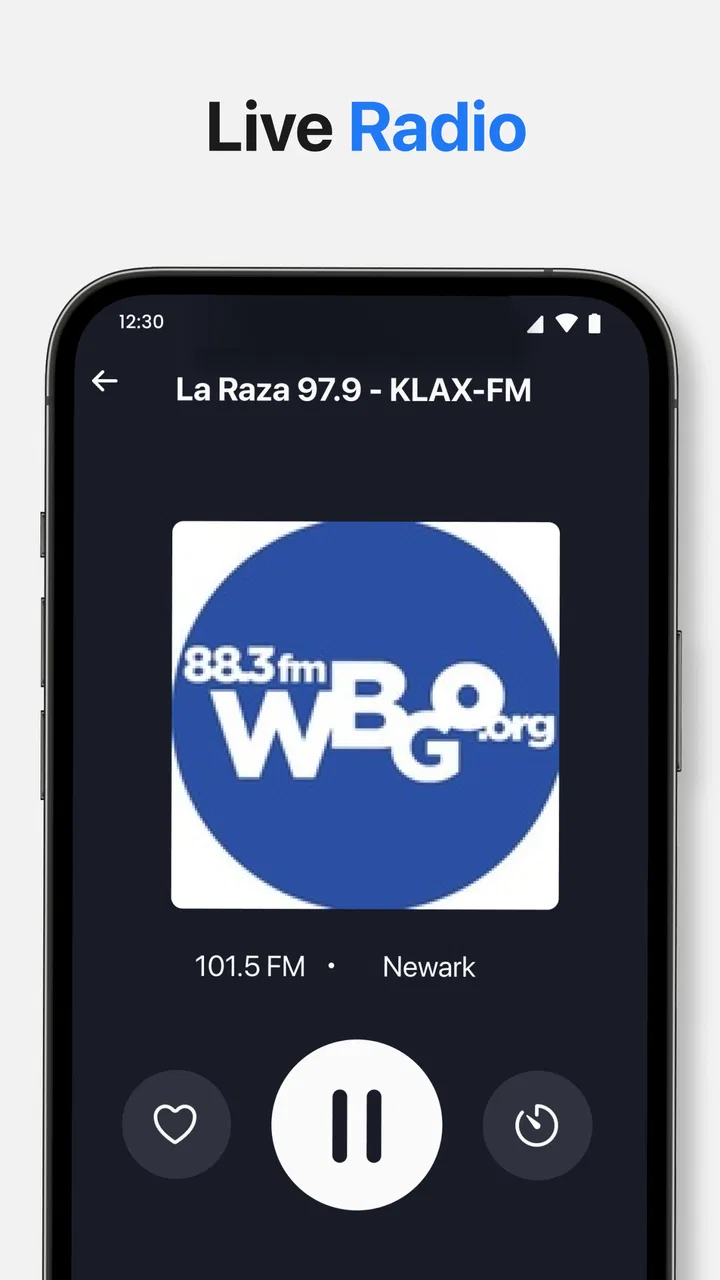
Radio App is a mobile application designed for listening to radio stations and audio content directly from an Android or iOS device. After installing it, users can typically browse stations by country, genre, language, or popularity, save favorites, and start streaming with a tap. It is useful for music, news, sports, talk shows, and discovering broadcasts from around the world.
02Does Radio App require an internet connection to work?
Yes, Radio App generally requires an active internet connection because stations are streamed online rather than played from files stored on your phone. It can work over Wi-Fi or mobile data, but streaming for long periods may consume a significant amount of data. For a smoother experience and to avoid unexpected charges, Wi-Fi is recommended whenever possible.
03Can I listen to stations from different countries and save favorites?
One of the most useful features of Radio App is access to a broad selection of stations from different regions and categories. You can usually search by station name, location, language, or music style, making it easier to find specific broadcasts. Stations you enjoy can be added to a favorites list for quicker access during future listening sessions.
04Does Radio App continue playing when I lock my phone or use another application?
Radio App is generally designed to support background playback, allowing audio to continue while the screen is locked or while you use another application. This is convenient when listening during commuting, studying, or working. However, playback may stop if the app is restricted by your phone’s battery-saving settings, if the connection becomes unstable, or if the station temporarily goes offline.
05Is Radio App free, and are there advertisements or premium features?
Radio App may be available to download and use for free, but the exact experience can depend on the version and platform. Free users may encounter advertisements, including banners or audio interruptions, while premium options may remove ads or provide additional features. Before downloading or subscribing, check the app’s store listing for current pricing, in-app purchases, and subscription conditions.
Pros
- Wide selection of stations across music
- news
- sports
- and talk genres.
- Simple interface makes finding and playing stations quick and easy.
- Favorites feature provides fast access to your most-listened stations.
- Background playback lets you keep listening while using other apps.
- Station streaming quality adjusts well to different network conditions.
Cons
- Some stations may be unavailable depending on your location or licensing.
- Audio playback can consume significant mobile data over longer listening sessions.
- Occasional buffering may occur on weaker or unstable connections.
- Advertising can interrupt the listening experience in some sections.
- Battery usage may increase when streaming continuously with the screen off.

Radio App
Gallery